
Published: 12 August 2026
Summary
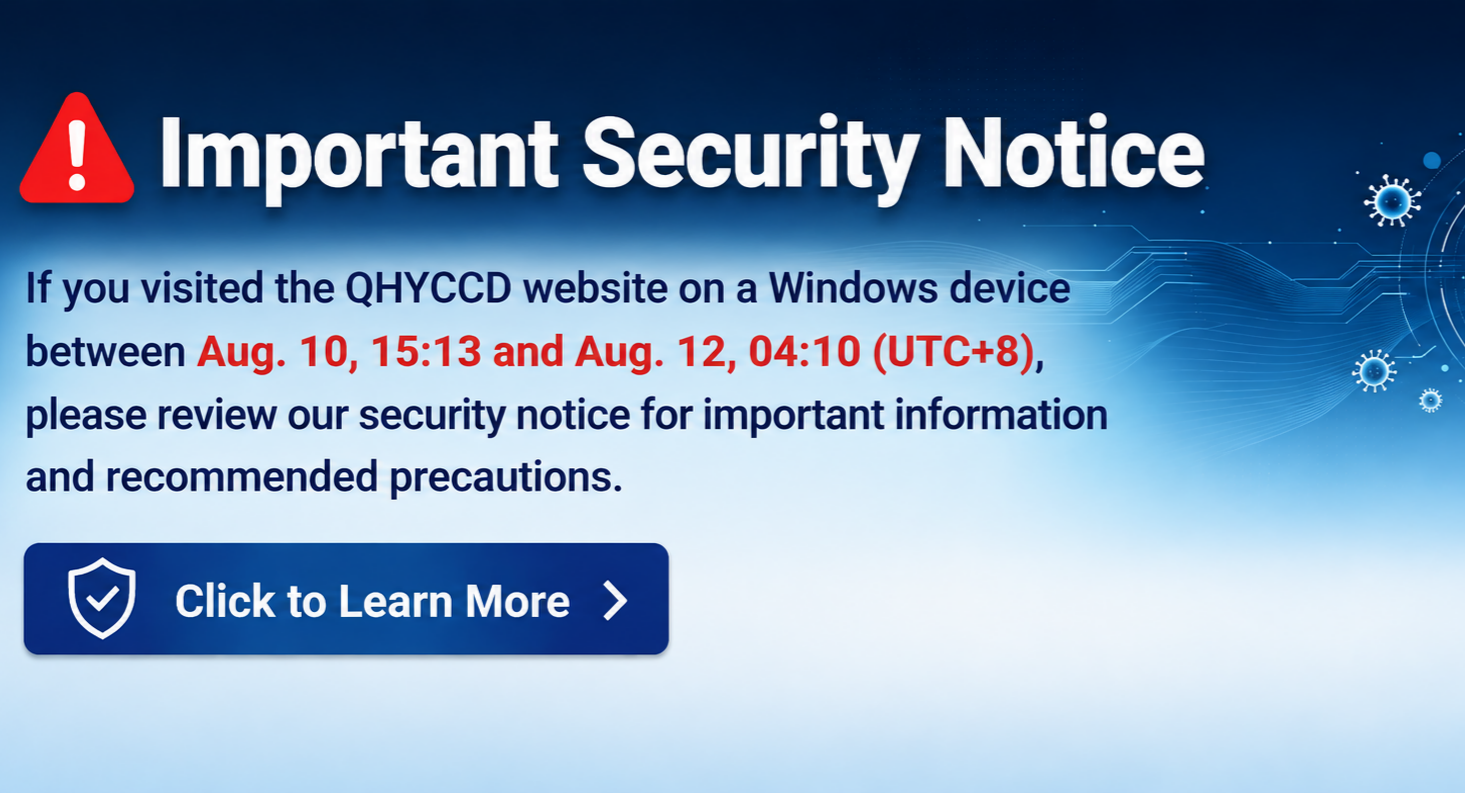
Between 10 August 2026, 15:13 (UTC+8) and 12 August 2026, 04:10 (UTC+8)—approximately 37 hours—our website www.qhyccd.com was compromised and served malicious JavaScript to some visitors.
The malicious code displayed a counterfeit “human verification” page that attempted to trick Windows visitors into running a harmful command on their own computer.
Important: simply visiting our website did not infect your computer. Infection was only possible if you manually followed the on-screen instructions to press a specific sequence of keyboard keys. If you did not do this, you are not affected.
The issue has been fully removed. Our website is safe to use.
What happened
An attacker exploited a vulnerability in a third-party WordPress plugin used on our website and injected malicious code into our pages.
For a portion of visitors using Windows, the code displayed a fake page imitating the style of a common anti-bot “verify you are human” check (similar in appearance to a Cloudflare challenge screen). The page instructed visitors to:
Press Win + RPress Ctrl + VPress Enter
The page had silently copied a malicious command into the visitor’s clipboard. Following these steps would paste and execute that command, installing malware — most commonly information-stealing software that harvests saved browser passwords, cookies, and cryptocurrency wallet data.
This attack technique is publicly known as “ClickFix”.
A rule worth remembering: no legitimate verification check will ever ask you to press Win+R, open a command prompt, or paste anything into your system. Any page that does is an attack.
Who is affected
You are likely affected if ALL of the following are true:
You visited www.qhyccd.com between 10 Aug 2026 15:13 and 12 Aug 2026 04:10 (UTC+8), and you were using Windows, and you saw a “verification” page and actually performed the Win+R / Ctrl+V / Enter sequence
You are NOT affected if any of the following are true:
You did not visit during that windowYou used macOS, Linux, Android, or iOS—the code targeted Windows onlyYou saw the page but closed it, or did not perform the keystrokesYou were logged in to our site as an administrator—the code deliberately skipped logged-in administrators
How to check your computer
Because the malicious command had to be executed through the Windows Run dialog, Windows keeps a record of it. This gives you a definitive answer.
Method 1 — PowerShell (recommended)
Press Win + R, type “powershell,” press Enter, then paste and run the following:
Get-ItemProperty ‘HKCU:\Software\Microsoft\Windows\CurrentVersion\Explorer\RunMRU’
Method 2 — Registry Editor
Press Win + R, type “regedit,” press Enter, and navigate to the following:
HKEY_CURRENT_USER\Software\Microsoft\Windows\CurrentVersion\Explorer\RunMRU
How to read the result
This shows every command ever typed into the Run dialog on your account.
✅ You are fine if you see only ordinary entries such as cmd, regedit, powershell, mstsc, notepad, or network paths like \\192.168.1.10.
❌ You are affected if you see any entry containing:
powershell -w hidden, -WindowStyle hidden, or -encmshta followed by a web addressiwr, Invoke-WebRequest, iex, Invoke-Expression, curl, or DownloadString A long block of random-looking letters and numbers (Base64) Text such as Verification ID, Ray ID, or Cloudflare inside a command
Note: This checks the Windows account you are currently logged in to. If several people use the computer with different accounts, each person should run the check while signed in to their own account.
What to do if you are affected
Information-stealing malware transmits your data within seconds of running. Treat all credentials stored in that browser as compromised.
Do not change passwords on the affected computer. Use a different, clean device (another PC, a phone, a tablet). From that clean device, change the passwords for email, online banking, e-commerce accounts, cryptocurrency exchanges and wallets, social media, and any work accounts. Sign out of all sessions—most services offer “log out of all devices” in their security settings. This invalidates stolen session cookies, which a password change alone does not always do. Enable two-factor authentication (2FA) wherever available. Check your cryptocurrency wallets immediately—these are a primary target of this malware family. Run a full antivirus scan. A full reinstall of Windows is the most reliable remedy; a scan alone may not remove all components.
What we found no evidence of
Our forensic review found no evidence of the following:
No access to or theft of customer data. The affected website is a product and information site; it does not store customer orders, payment details, or credit-card data. Our support ticket system and forum were examined and showed no sign of compromise. The website’s core software files were verified against official checksums — all 3,501 files matched exactly, with no tampering. We found no evidence of bulk data being transferred off the server.
What we have done
Removed all malicious code and backdoor accounts Closed the vulnerability that allowed the initial intrusion Rotated all administrative and database credentials, and invalidated all existing login sessionsVerified the integrity of our website’s core software Applied additional server hardening to block this class of attack Restricted remote administrative access to our server
We are continuing to monitor closely.
Contact
If you believe you may be affected, or if you have questions about this notice, please contact us at ymj@qhyccd.com.
We sincerely apologize for this incident and for any concern it has caused. We are grateful to the members of our community who reported unusual behaviour on the site.
— QHYCCD Team